Can several people sign the same document, one after another?
Yes. In the Send Document box, switch on Multiple signers, add each person, and under Signing order choose One by one. SignZA then asks the next person only once the one before has signed. Multiple signers is a Pro and up feature: Free sends a document to 1 signer, Pro and Business take up to 5 signers, and Enterprise takes up to 10.
Steps
- On your dashboard, click Send Document.
- On the first step, "Choose document", drop your PDF on "Drop PDF here or click to browse" and check the Document name. Then click Continue →.
- On the "Signer details" step, switch on Multiple signers. A block for Signer 1 and a block for Signer 2 appear.
- Fill in a first name, last name and email address for each signer. Each signer has their own colour. Click "+ Add signer 3" if you need more people, up to your plan's limit.
- Under Signing order, choose how they sign. One by one asks each person once the one before has signed. All at once asks everyone at the same time. Choose rounds asks one group first, then the next group once they have all signed.
- If you need to sign it too, tick "Add me as a signer" and set My place. You sign your own place from your own SignZA account.
- Click Continue →. On the Options step, check the Review box, then click "Place fields →".
- In the field editor, click a signer's tab at the top, click + Signature Field and drag the box onto the page for that signer. Do this for every signer. Each signer needs at least one box.
- Click Send →. Each signer gets their own email from SignZA when it is their turn.
- To see who has signed and who is next, open the document from your dashboard and look at Signing Progress.
- When it is your turn, click "Sign your place now".
Good to know
- Free sends a document to 1 signer. Pro and Business take up to 5 signers. Enterprise takes up to 10.
- Every signer gets their own colour, and the field editor uses the same colour for their boxes.
- When the last person signs, you and every signer get the signed copy by email.
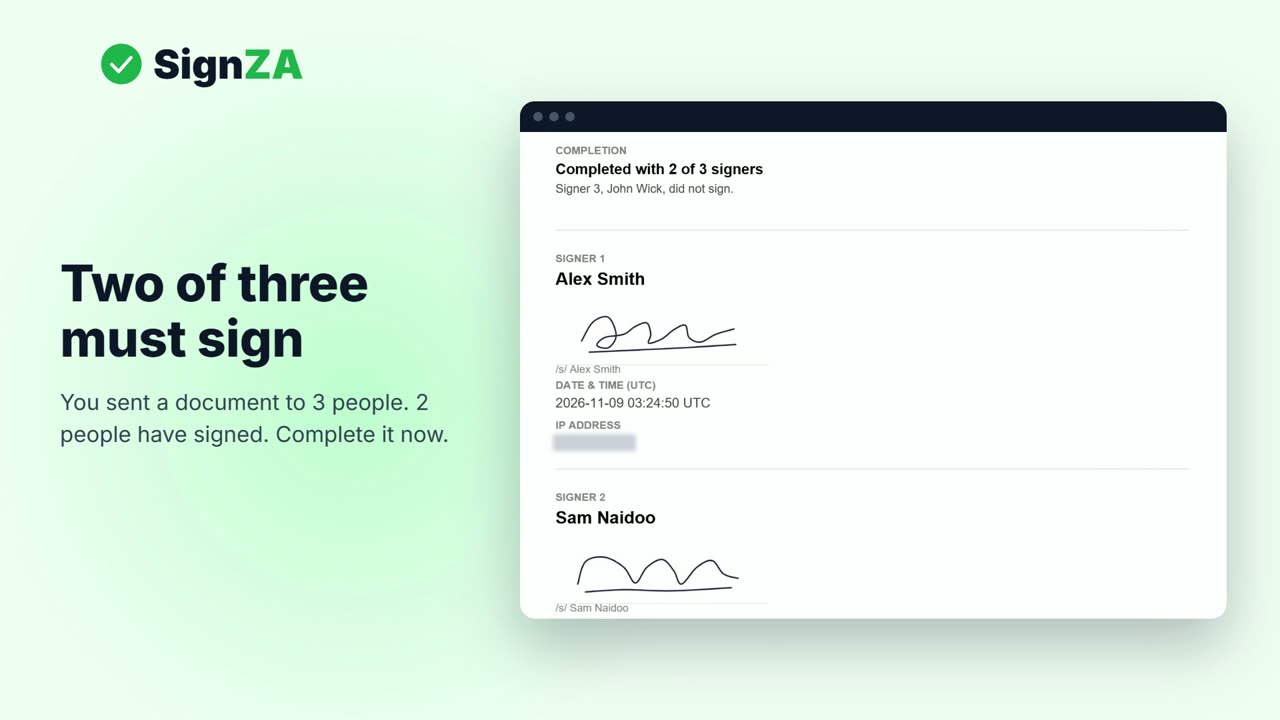
- The signed PDF ends with a certificate naming every signer, with their signature and the date and time in UTC.
- A document sent to several signers counts as 1 document, however many people sign.
Questions and answers
Can everyone sign at the same time instead?
Yes. Choose All at once under Signing order and everyone is asked together.
Can I send it to one group first and the next group after?
Yes. Pick Choose rounds for the signing order. People in the same round are asked together, and the next round is asked once everyone in the round before has signed.
Can I be one of the signers?
Yes. Tick "Add me as a signer". You sign your own place from your own SignZA account, and SignZA tells you in the app when it is your turn.
How do I see who has signed?
Open the document from your dashboard. Signing Progress lists each signer and says whether they have signed, been sent the invite, or are waiting for the signer before.
Does it use up more than one document?
No. It counts as 1 document, however many people sign.
Next video
 Next in the seriesCan I finish a document when only some of the signers have signed?