How do I remind someone to sign a document?
Open the Documents page in SignZA. Documents your client has not signed yet sit at the top, with the days they have waited. Press Remind on the one you want and SignZA emails your client again. With Auto-reminders on, SignZA also emails them on day 3, 7 and 14 if they have not signed.
Steps
- Open your Documents page. Documents your client has not signed yet sit at the top, under a heading such as "3 documents need your attention", with the days each one has waited.
- Find the document and press Remind. The button reads Sending… and then Sent ✓, and SignZA emails your client again.
- To have SignZA remind them without you, leave Auto-reminders switched on when you send a document. It sits in the Send Document box, on the Options step, and reads "Day 3, 7, 14 if not signed".
- Your client then gets a reminder email with a Review & Sign Document button that opens the signing link.
- To see where each document stands, look at the tabs above the list: All, Waiting, Opened, Signed, Declined, Expired and Cancelled. Click Opened to see the ones your client has looked at but not signed.
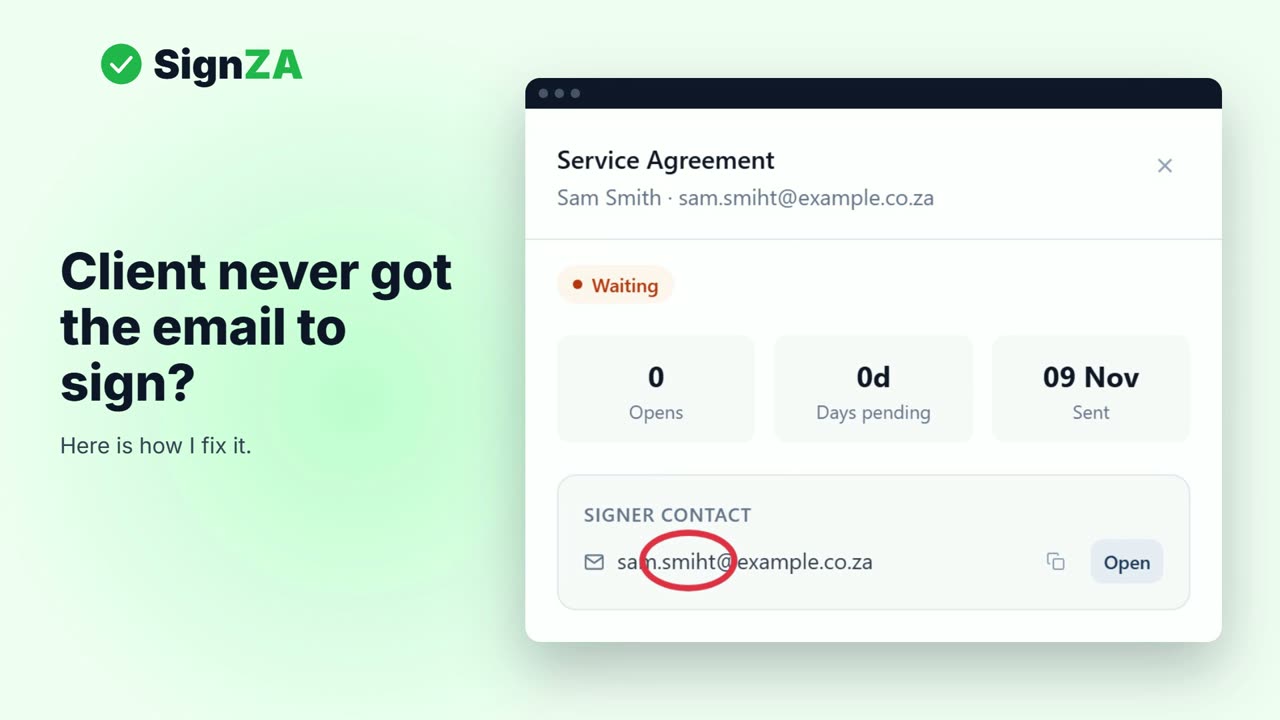
- Click Open on a document to see if your client has looked at it and how long it has waited.
- If you sent the document on WhatsApp, press Remind and read the message. Then open the document and send the link and PIN again from your own phone.
- When your client signs, the document moves to Signed and you can press Download signed PDF.
Good to know
- Documents your client has not signed are listed newest first, up to 10 at the top. The Waiting and Opened tabs list the rest.
- Opened means your client looked at the document but has not signed.
- Auto-reminders are switched on by default when you send a document.
- SignZA emails the automatic reminders on day 3, 7 and 14, counted from when the document was created, for as long as the signing link is still open.
- SignZA cannot send a reminder for a document you sent by WhatsApp. It never sends the WhatsApp itself: you send the link and PIN from your own phone.
Questions and answers
How do I remind a client who has not signed?
Open the Documents page and press Remind next to their document. SignZA emails your client again.
Does SignZA remind my client by itself?
Yes, if Auto-reminders was on when you sent the document. If they have not signed, SignZA emails them on day 3, 7 and 14.
How do I remind someone I sent the document to on WhatsApp?
SignZA cannot send a reminder for a WhatsApp document. Open the document and send the link and PIN again from your own phone.
How can I tell if my client has even opened the document?
The status on the document reads Opened once they have looked at it. Open the document to see how many times it was opened and how long it has waited.
What does my client see in a reminder?
An email headed "Signature reminder" with a Review & Sign Document button that takes them to the signing link.
Next video
 Next in the seriesWhat do I do if my client did not get the signing email?