How do I send a document for signing?
Press Send Document, upload your PDF, add the signer's name and email, mark where they must sign and press Send Link. SignZA emails the signer, who does not need an app or an account. You get the document back signed, with a certificate that shows who signed it.
Steps
- On your dashboard, press Send Document.
- First time only: if Settings opens instead of the send box, add your full name, company and mobile number, press Save profile, then press Send Document again.
- Under Choose document, drop in your PDF, or click to browse. It must be a PDF and no bigger than 10 MB.
- Press Continue.
- Under Signer details, leave Email picked, then add the signer's first name, last name and email address.
- Press Continue.
- On Options and review, press Send document. Nothing goes to your client yet.
- In the field editor, pick a box in the Add Field panel, then drag it out on the page where the signer must sign.
- Press Send Link. SignZA emails the signer the link, and the screen reads Invite Sent.
- The signer opens the email and confirms they know you.
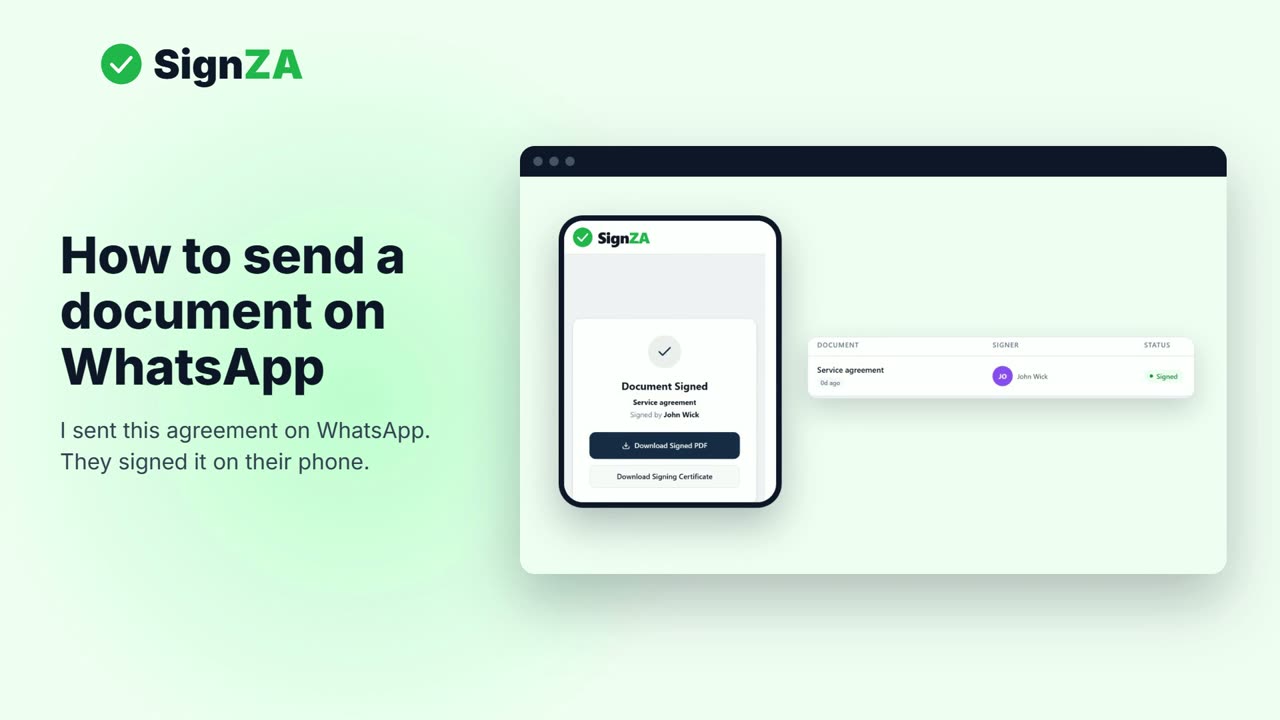
- The signer signs on their phone.
- Your dashboard shows the document as Signed, and you get it back with a certificate that shows who signed it.
Good to know
- Only a PDF works, up to 10 MB.
- Nothing is emailed to the signer until you press Send Link.
- The signer does not need an app or an account.
- Sending to one signer by email works on the Free plan, which has 5 documents a month.
- The first time you send, SignZA needs your name, company and mobile number in Settings.
Questions and answers
Which button actually sends the document?
Send Link, in the field editor, is the button that emails the signer. Send Document opens the send box, and Send document on the last screen of the send box does not email anyone yet.
Does the person signing need an account?
No. They do not need an app or an account.
What is the biggest file I can send?
The file must be a PDF and no bigger than 10 MB.
How do I know the signer has signed?
Your dashboard shows the document as Signed, and you get it back with a certificate that shows who signed it.
Can I send it on WhatsApp instead of email?
Yes. Pick WhatsApp instead of Email under Signer details. SignZA does not send the WhatsApp message itself, so you send the link from your own WhatsApp.
Next video
 Next in the seriesHow do I send a document for signing on WhatsApp?