How do I send a document for signing on WhatsApp?
When you send a document, pick WhatsApp under Signer details. SignZA does not send the WhatsApp message itself. It gives you a Share Kit with the signing link, a 4-digit PIN and a ready message, and you send it from your own WhatsApp.
Steps
- On your dashboard, press Send Document.
- Drop in your PDF, check the Document name and press Continue.
- Under Signer details, find How should they receive the link? and pick WhatsApp. The hint under it says no email is sent and that you will get a Share Kit to send yourself.
- Type the signer's first name, last name and WhatsApp number. The WhatsApp number is required.
- SignZA fills in a 4-digit access PIN for you. Press Generate if you want a different one. The signer needs the PIN to open the document.
- Press Continue.
- On Options and review, press Send document. Nothing is sent to the signer yet.
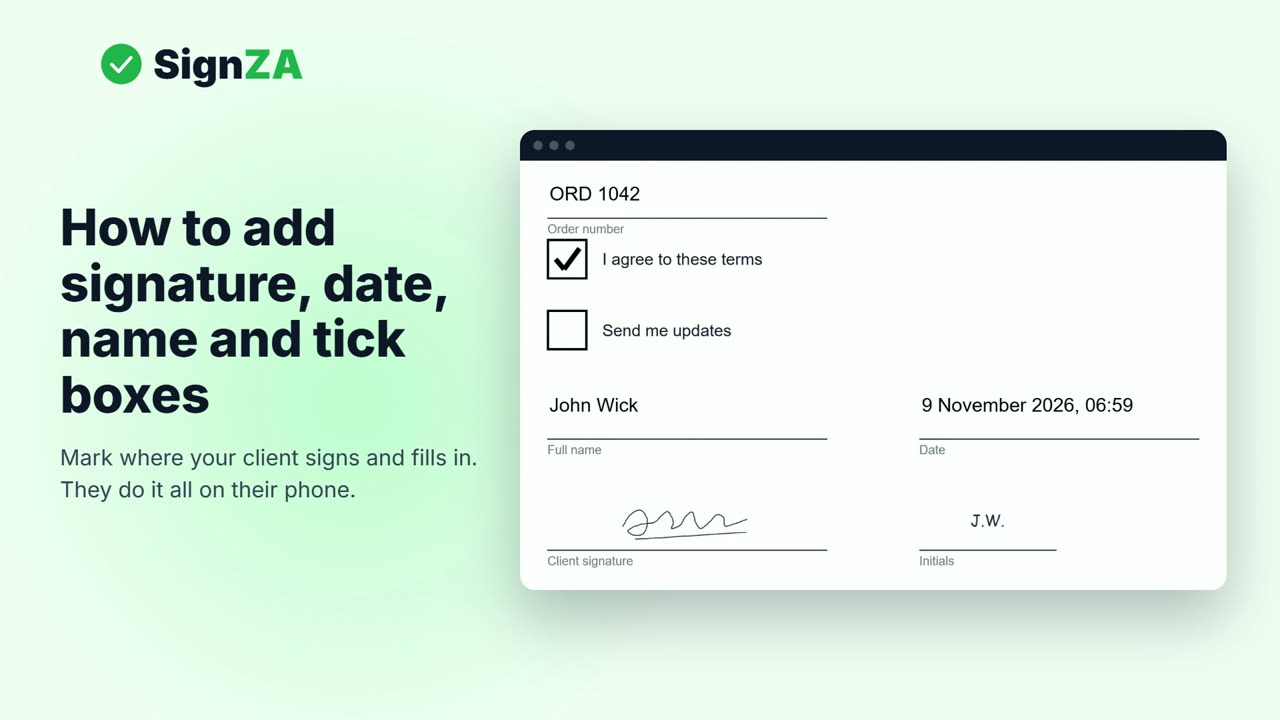
- In the field editor, drag a Signature box onto the line where the signer must sign.
- Press Send Link. The next screen shows your Share Kit: the Signing link, the Access PIN and a Ready-to-send WhatsApp message.
- Press Open in WhatsApp. WhatsApp opens to the signer's number with the message already typed. Press send in WhatsApp.
- Or press Copy message, paste it into your chat with the signer in WhatsApp and send it.
- The signer opens the link and types the PIN.
- The signer signs with a finger, types their full name, ticks the box and taps Finish signing.
- You get an email when it is signed. The signed PDF has a certificate page that shows the signer used your PIN.
Good to know
- SignZA does not send the WhatsApp message. You send it from your own WhatsApp.
- The signer needs the 4-digit PIN to open the document.
- If someone types the wrong PIN 3 times, the link locks for 30 minutes.
- Not signed yet? Open the document on your dashboard and send the Share Kit again.
- Sending to one signer by WhatsApp works on the Free plan.
Questions and answers
Does SignZA send the WhatsApp message to my signer?
No. SignZA gives you the Share Kit, and you send it from your own WhatsApp. You can press Open in WhatsApp or press Copy message and paste it into your chat.
Does the signer need an app or an account?
No. The signer opens the link, types the PIN and signs in their browser. They do not need an account.
Can I also send the link by email?
Yes. Pick Both and SignZA emails them the link as well. You still send the Share Kit on WhatsApp, and they use whichever they see first.
What if the signer has not signed?
Open the document on your dashboard and send the Share Kit again. SignZA cannot send a reminder for a WhatsApp only document, so you message the signer yourself.
How can I tell the signer used my PIN?
SignZA adds a certificate page to the signed PDF. It shows they used your PIN.
Next video
 Next in the seriesHow do I add signature boxes to a PDF for someone else to sign?