How do I set up a free e-signature account?
Go to signza.app, click Start for free and fill in the sign up form. SignZA emails you a confirmation link, and clicking it switches your account on and takes you to your dashboard. The Free plan gives you 5 documents a month, and SignZA will not send a document until your sender profile is saved in Settings.
Steps
- Go to signza.app and click Start for free.
- On Create your account, type your First name, Last name, Company name and Email address.
- Use an email you will keep. You cannot change it yourself after sign up.
- Choose a password of at least 8 characters and type it again in Confirm password.
- Type your Mobile number.
- Click Create account.
- On the Check your email page, open the email from SignZA and click the link to activate your account.
- If it is not in your inbox, check your junk or spam folder, or click Resend confirmation email.
- After you click the link you land on your dashboard. A new account shows Free plan with 0 of 5 docs at the bottom of the sidebar.
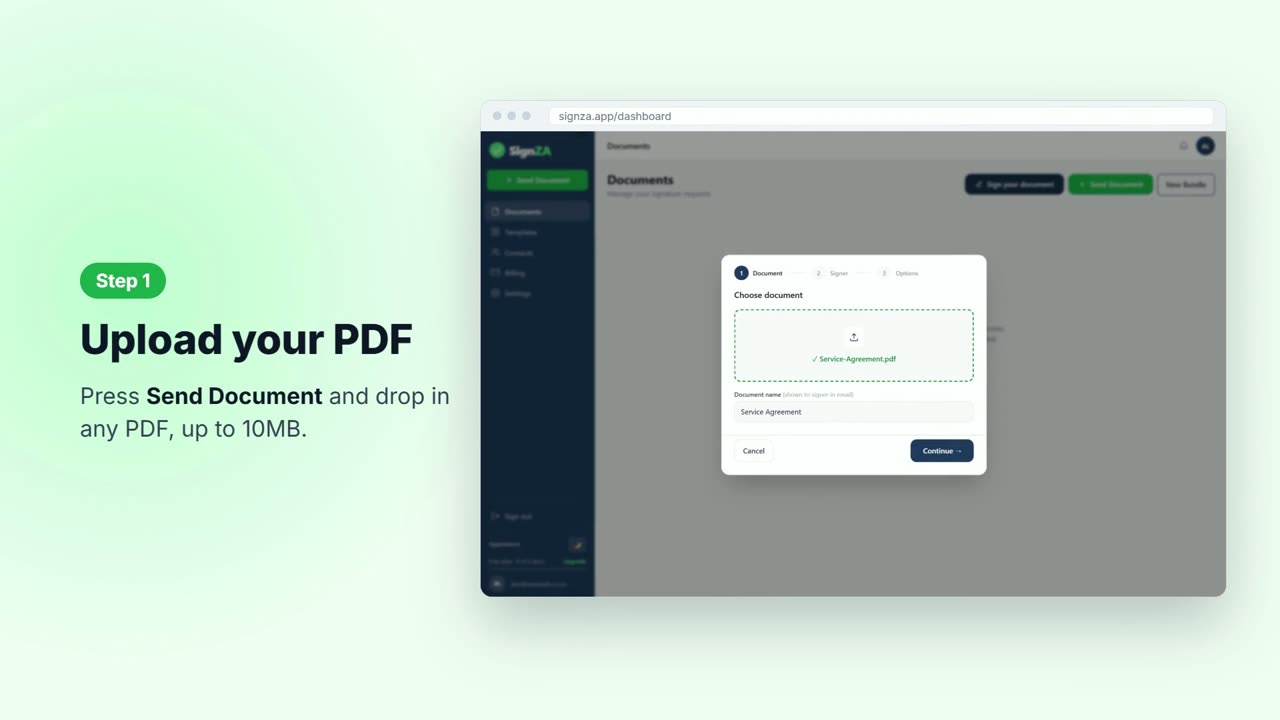
- Click Send Document. Until your sender profile is complete, this opens Settings instead of the send box, and an amber bar at the top reads Complete your sender profile.
- In Settings, under Profile, check your company name and mobile number. If Full name is empty, type your full name the way you want your clients to see it.
- Click Save profile. The page refreshes and the amber bar is gone.
Good to know
- The Free plan gives you 5 documents a month.
- You cannot change your email address yourself after sign up.
- Your password must be at least 8 characters.
- SignZA will not send a document until your full name, company and mobile number are saved.
- Your client sees who sent the request before they sign.
Questions and answers
What do I need to fill in to sign up?
Your first name, last name, company name, email address, a password and your mobile number.
What if the confirmation email does not arrive?
Check your junk or spam folder. You can also click Resend confirmation email on the Check your email page.
Why does Settings ask for my details again?
Your client sees who sent the request before they sign, and SignZA will not send a document until your full name, company and mobile number are saved. If one is missing, you are taken to Settings to fill it in.
Can I change my email address later?
You cannot change it yourself after sign up, so use an email you will keep.
Next video
 Next in the seriesHow do I send a document for signing?